1. Agent 생성
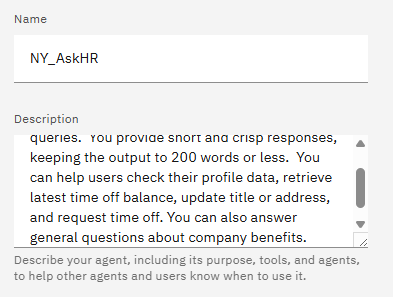
Description의 경우, Agent 성능에 영향을 미치지는 않고, 사용자가 적절한 Agent를 사용할 수 있도록 설명을 적어둔 것이라고 한다.
Agent의 도메인, 기능과 강점이 무엇인지, Agent의 사용 범위를 적어둔다고 한다.
이번 Agent는 HR 시스템의 자동화를 맡는 역할이다.
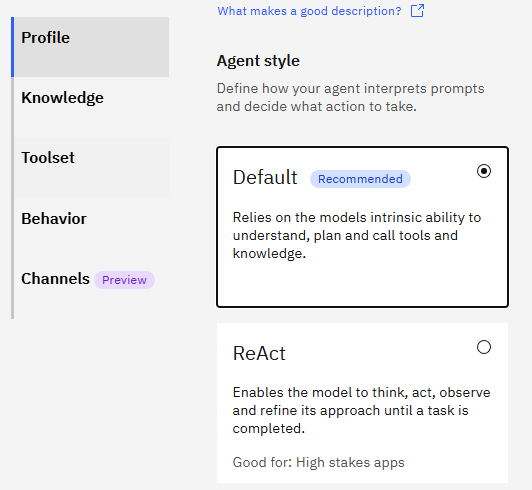
Default 방식을 선택한다.
2. 지식(Knowledge)
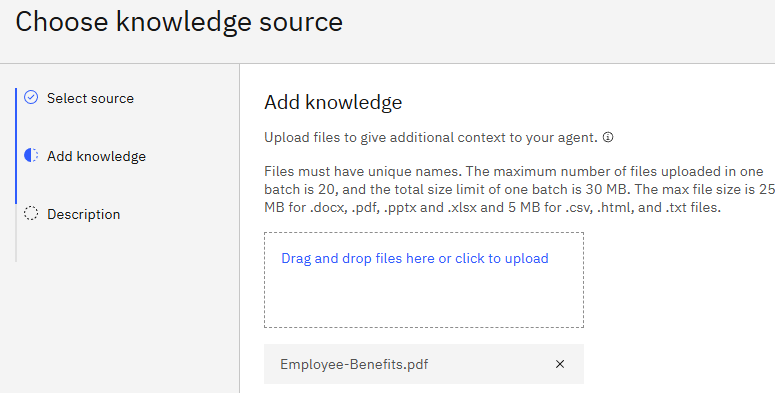
file 지식을 사용하기 위해 업로드 한다.
지식 Description
This knowledge base addresses the company's employee benefits, including parental leaves, pet policy, flexible work arrangements, and student loan repayment.

HR 서비스 종류에 대한 설명이 적혀 있다.
3. 도구(Tools)
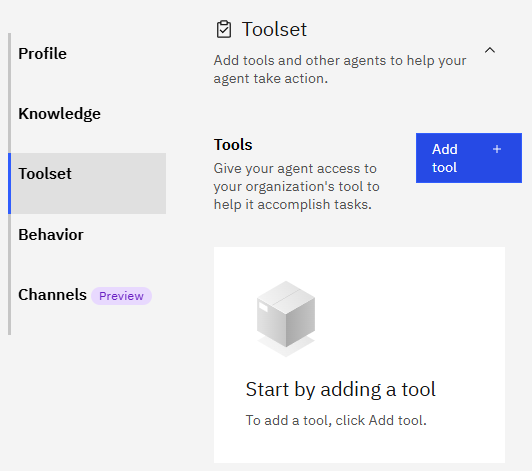
Tool을 추가하는 버튼을 누르고
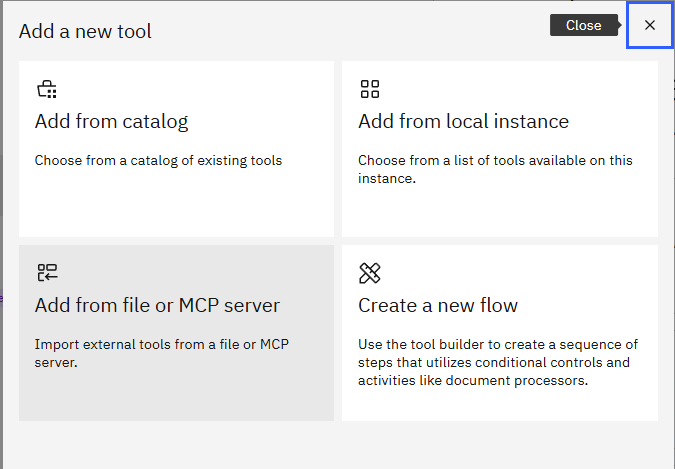
yaml 파일이 있어 Add from file에서

Import from file을 선택한다.
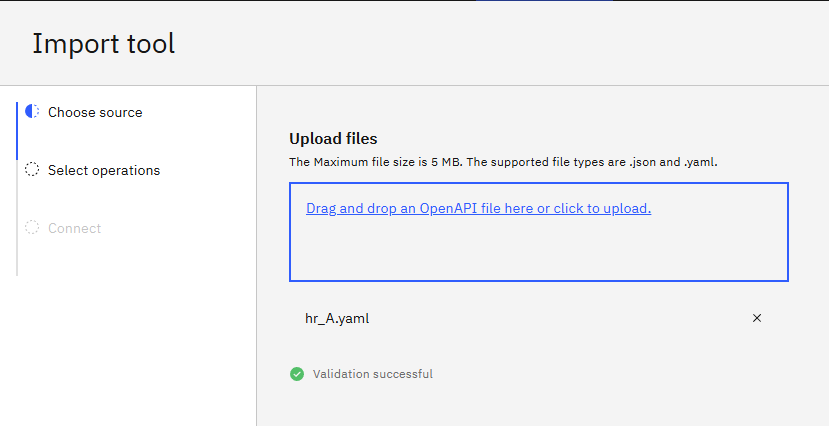
yaml 파일을 업로드 해준다.

모든 작업을 수행하도록 하고 완료한다.
4. 동작(Behavior)
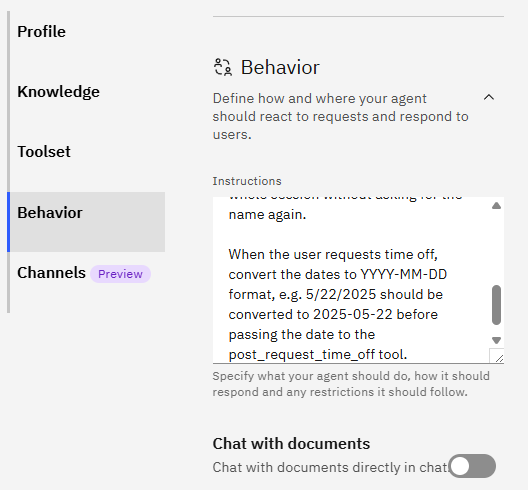
Instructions을 입력한다.
Use your knowledge base to answer general questions about employee benefits.

Use the tools to get or update user specific information.

When user asks to show profile data or check time off balance or update title/address or request time off for the very first time,  first ask the user for their name,  then invoke the tool and then use the same name in the whole session without asking for the name again.

When the user requests time off, convert the dates to YYYY-MM-DD format, e.g. 5/22/2025 should be converted to 2025-05-22 before passing the date to the post_request_time_off tool.
5. 실행
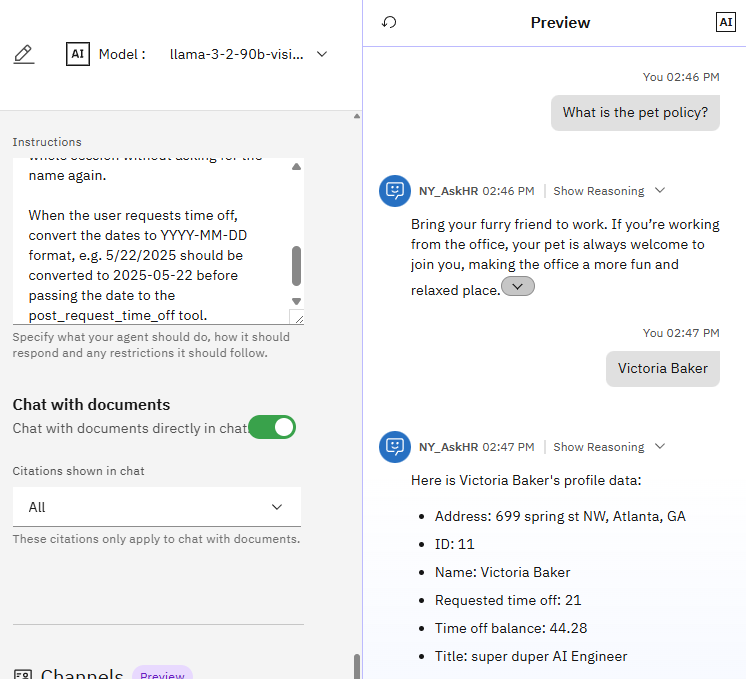
첫 번째 질문의 응답은 첨부한 파일 지식에서 생성한 답변으로 보이고,
두 번째 질문은 yaml 파일에서 user 정보를 불러오는 작업을 수행한 것으로 보인다.
'NLP > 실습' 카테고리의 다른 글
| [GraphRAG] Graph 생성하기 with neo4j ERExtractionTemplate (0) | 2025.10.10 |
|---|---|
| Agent AI 실습3 : IBM watsonx orchestrate - Intelligent assistant (0) | 2025.09.21 |
| Agent AI 실습1 : IBM watsonx Orchestrate - 마케팅 에이전트 (0) | 2025.09.21 |
| LangChain RAG 실습 4(Llama3) (0) | 2025.09.04 |
| LangChain RAG 실습 3(Llama3) (1) | 2025.07.02 |